

Momento Black/Brown (Screen-Free Digital Camera)
Momento Black/Brown (Screen-Free Digital Camera)


Momento Black/Brown (Screen-Free Digital Camera)
Momento Black/Brown (Screen-Free Digital Camera)
What Momento gives you?

No Screen

Pocket-Sized

500 Shots on One Charge

Reusable & Rechargeable

Buy 2 $ 67.50 each
Buy 4 $ 60.00 each
Couldn't load pickup availability
01 PRODUCT DESCRIPTION
01 PRODUCT DESCRIPTION
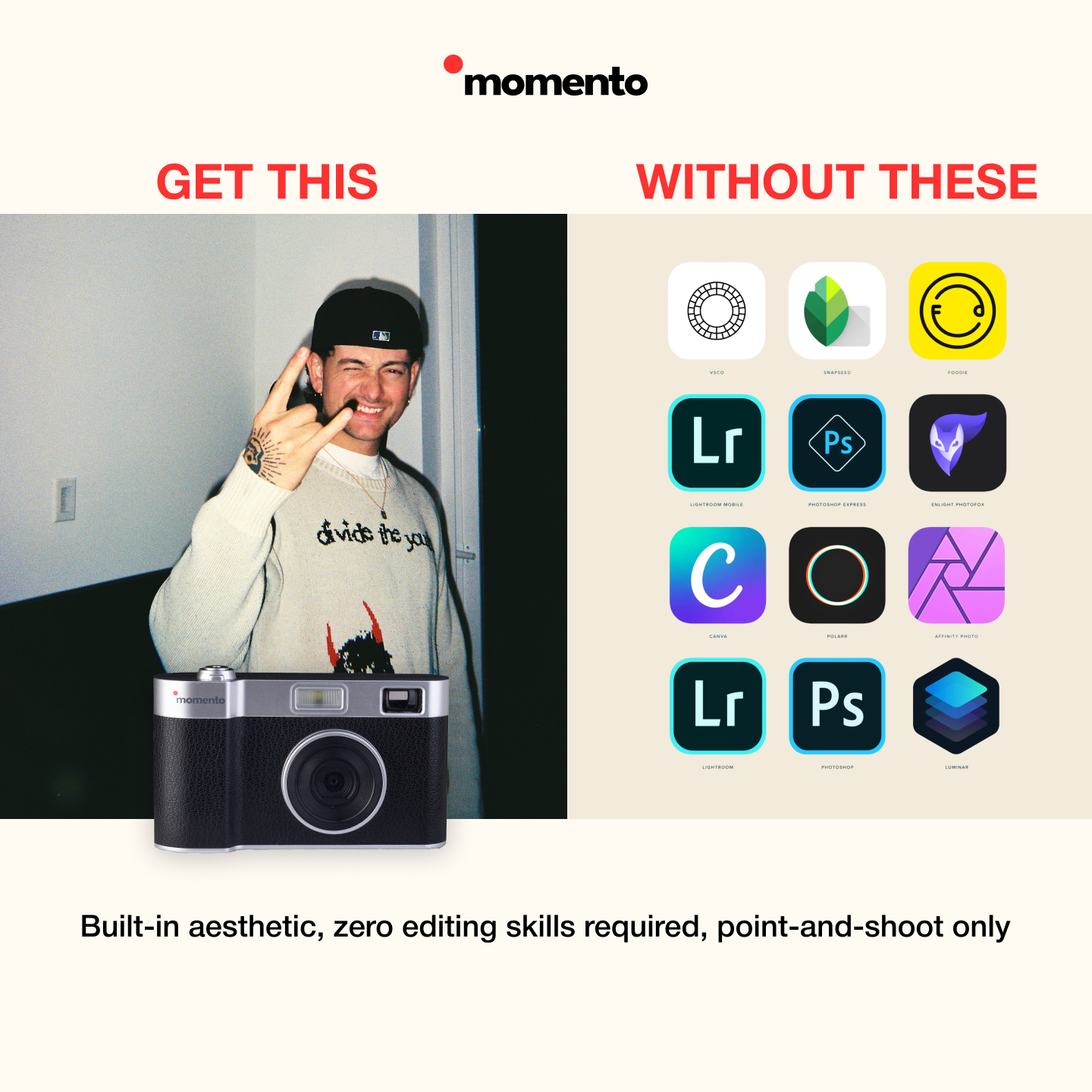
Momento is a screen-free, reusable camera made for real-life adventures. It shoots vintage-style photos, lets you stay off your phone, and holds up to 500 shots on a single charge. Take it on trips, nights out, and family days—then plug it in later to discover everything you captured, all at once.
02 SPECIFICTIONS
02 SPECIFICTIONS
- Sensor: 8MP (film-style rendering), 1080p output
- Storage: 8GB TF card included (~4,000 photos)
- Flash: On / Off / Auto toggle
- Battery: USB-C charging, ~500 shots per charge, auto-sleep after 5 minutes
- Transfer: Plug into a computer via USB-C to access the “MOMENTO” folder
- Build: Compact, durable body; tactile shutter sound on capture
03 MOMENTO FILTERS
03 MOMENTO FILTERS
Signature Momento Filter pre-installed for timeless, film-like tones.
Vintage and Black & White filters coming soon via simple download-and-install.
04 SHIPPING & RETURN
04 SHIPPING & RETURN
- 30-Day Returns: Return within 30 days of delivery.
- Complete & Working: Camera must power on and include cable, manual, packaging, and box.
- Proof of Purchase: Include your receipt or order number.
- Fast Processing: Once received and inspected, refunds are issued promptly.
05 SUPPORT
05 SUPPORT
Find setup guides, filter downloads, and troubleshooting on our Support page.
Need help with transfers, charging, or filters? Visit Support or contact us via the site’s Contact form
Momento Camera Instructions
1. Shutter Button
a. To power on the camera, press and hold the shutter button for about 2 seconds.
You’ll hear two beeps, and the photo counter will display a number, indicating the camera is ready
for use.
b. To power off the camera, press and hold the shutter button for another 2
seconds. The photo counter will turn off, and the camera will beep once.
2. Flash Selector Switch
The flash has three settings:
- Left: Flash always on.
- Center: Flash off.
- Right: Flash set to automatic.
Use the flash in low-light situations to improve photo quality.
3. Automatic Shutdown
The camera will turn off automatically after 5 minutes of inactivity to save battery life.
4. Charging the Camera
- Connect the USB-C cable to the camera and plug it into a charging adapter or a computer's USB port.
- A red light indicates the camera is charging.
- Once fully charged, the light will turn green.
5. Taking a Photo
- Hold the camera steady and press the shutter button. You’ll hear a shutter sound confirming the photo has been taken.
- For optimal results:
- Stand at least 3 feet away from your subject.
- Ensure good lighting, with the sun behind you.
- Use the flash indoors or in dim lighting.
6. Viewing and Downloading Photos
- Connect the camera to a computer using the provided data cable.
- Turn on the camera.
- Open the file explorer on your computer and locate the 'MOMENTO' folder.
- Copy or view the files as needed.
- After transferring the photos, you can delete them from the camera to free up storage space.
- If needed, adjust the metadata date on your photos (see instructions below).
7. Photo Storage Card
Your camera comes with an 8GB TF card, which can store approximately 4,000 photos.
To remove the card:
- Unscrew the Phillips screw at the bottom of the camera and remove the plastic cover.
- Push the TF card inward; it will pop out for easy removal.
To insert a new card:
- Place the TF card into the slot with the gold contacts facing the camera lens.
- Push until it clicks into place.
- Replace the plastic cover and secure it with the screw.
8. Changing Photo Metadata Date
Momento cameras lack a screen to set the date and time, but you can update the metadata date on a computer for better organization:
On a PC:
- Select the photos you want to update.
- Right-click and choose "Properties."
- Navigate to the "Details" tab.
- Edit the "Date Taken" field and input the correct date and time.
- Click "Apply" or "OK" to save changes.
On a Mac:
- Select the photos you wish to edit.
- Use the image menu options to modify the metadata date field as needed.
Update Camera Firmware and Filter Installation Instructions
-
Update Camera Firmware
View or download the document with the instructions.
Update Camera Firmware
Firmware Files
- 📥 1628.bin
- 📥 DRAMPARA.txt
- 📥 ISP.BIN
Black & White Camera Filters
Additional Instruction Videos



why do I need more then one?

Momento is made for shared adventures, road trips, hikes, beach days, family vacations and whatever life throws at you - give everyone their own camera so they can stay off their phones and fully live in the moment with you.
Each person gets to see the day their way, and when you look back at the photos together, you’ll relive the whole adventure from every perspective.
Use it For
-

Lifestyle
From morning walks to weekend brunch, Momento fits effortlessly into your rhythm. Capture the details, moods, and memories that define your everyday life.
Lifestyle
From morning walks to weekend brunch, Momento fits effortlessly into your rhythm. Capture the details, moods, and memories that define your everyday life.
-

Night Out
From dinners to parties, it’s built to handle any vibe. Capture your night as it happens — no filters, just authentic energy and soft, nostalgic tones.
Night Out
From dinners to parties, it’s built to handle any vibe. Capture your night as it happens — no filters, just authentic energy and soft, nostalgic tones.
-

Portraits & People
Perfect for raw, emotional portraits. Every shot feels genuine and film-like, capturing the real expressions that phone cameras often miss.
Portraits & People
Perfect for raw, emotional portraits. Every shot feels genuine and film-like, capturing the real expressions that phone cameras often miss.
-

On an Adventure
Take it wherever life takes you hikes, beaches, or city breaks. The Momento Camera makes every capture feel spontaneous and alive, no screens, just pure moments.
On an Adventure
Take it wherever life takes you hikes, beaches, or city breaks. The Momento Camera makes every capture feel spontaneous and alive, no screens, just pure moments.


What Makes a Momento Camera Different

Real fun, no screen, no distractions
88MP lens for crisp, frame-worthy photos.
500 shots per ccharge vs 25 oon disposables.
500 shots per ccharge vs 25 oon disposables.
4GB card stores up to 2,000 pics.
Pocket-sized at 4.5” x 2.55” x “.
Fast USB-C charging & transfer.
Built-In Vintage Filters + create your own filter.
How it works

Capture
Snap every candid moment, screen-free. Just point, click, and live in it.

Connect
Transfer your photos easily once you’re ready no distractions, no rush.

Unfold
Choose when to relive your memories instantly or after a little anticipation.
Risk Free 30 Days Returns
If you don’t love your screen-free digital camera, send it back with our risk-free 30-day return policy.

30-Day Guarantee
Return within 30 days of delivery — no questions asked.

Keep It Complete
Camera, cable, manual, and box must be included.

Proof of Purchase
Just add your order number or receipt.

Fast Refunds
Once received, your refund is processed right away.
Real Shots, Real Moments





Real Moments from Real Users
Why Momento Stands Out?


|


|
|
|---|---|---|
| Premium body built to last | Build Quality | Cheap plastic, breaks easily |
| Shoot → transfer → done | Ease of Use | Film, batteries, and waiting |
| Authentic film-style warmth | Photo Look | Inconsistent, washed out |
| Rechargeable and endless use | Reuse | One and done |
| One-time buy — 500+ shots per charge | Value For Money | $30–40 per roll, plus development |
